




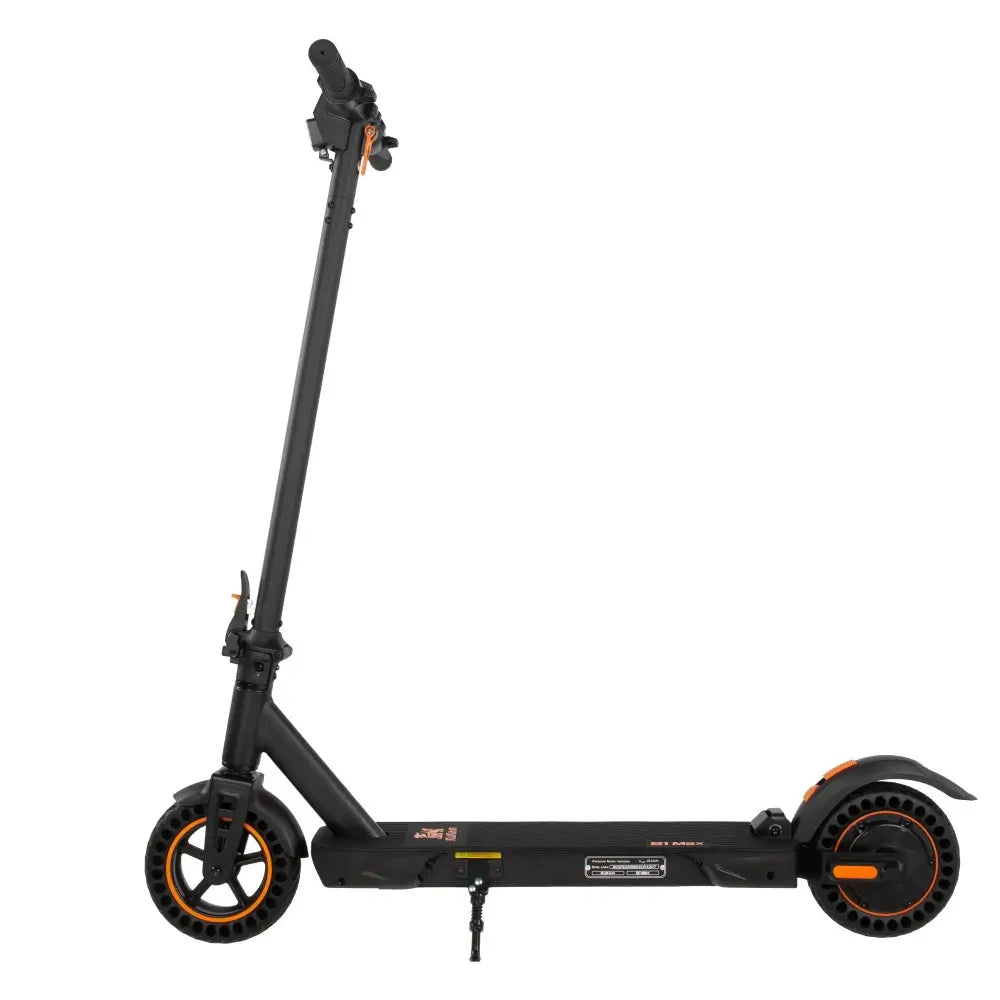


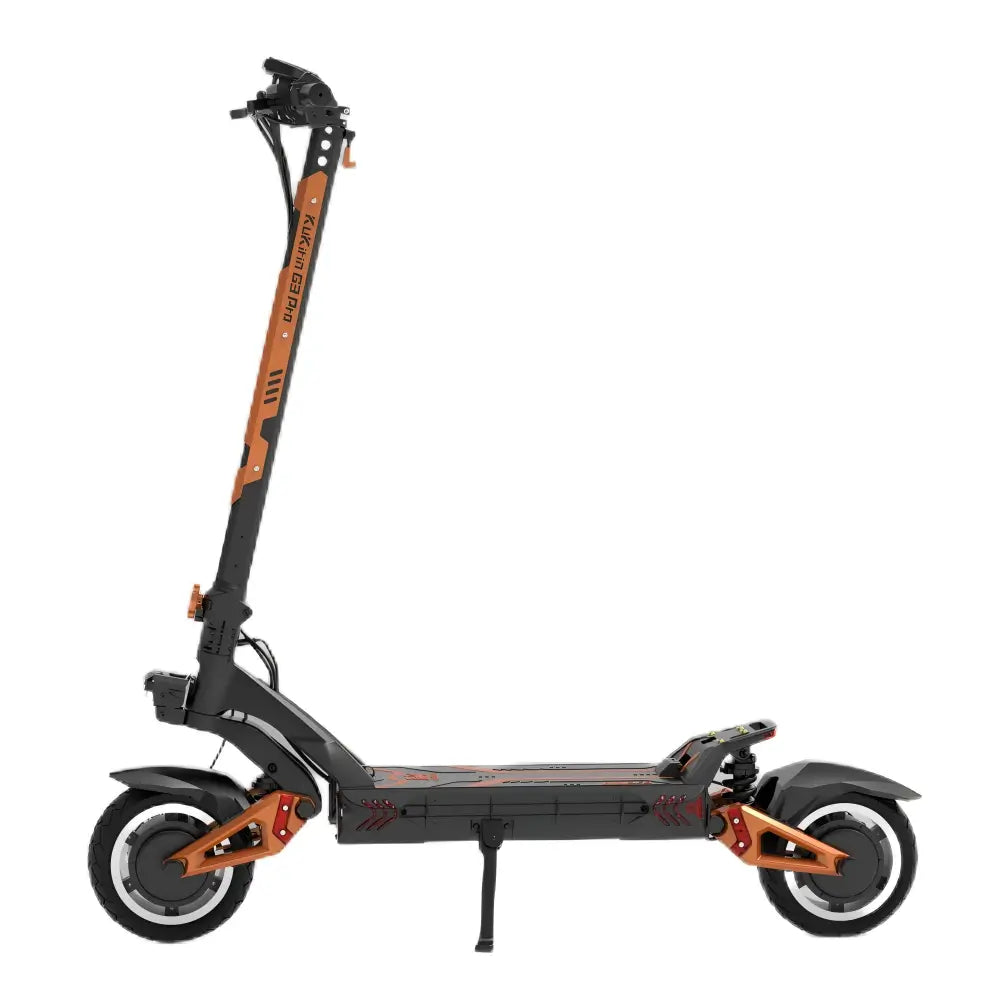
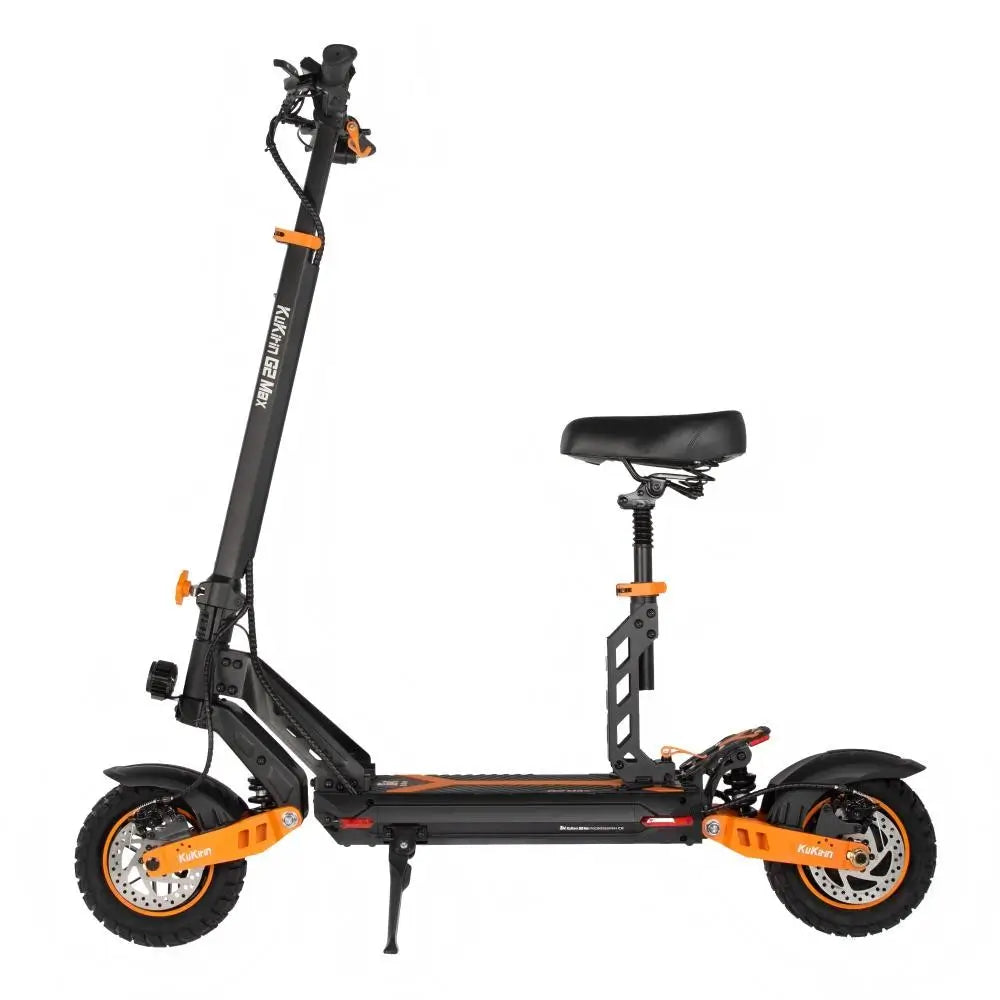





After the Rain: 5 Must-Do Steps for Your KuKirin Scooter

Summer in Germany brings glorious sunshine — but also sudden, unexpected downpours. One moment you're cruising under blue skies, the next you're caught in a summer shower. Your KuKirin scooter has an IP54 or IPX4 water resistance rating, but that doesn't mean it's waterproof.
Rain can still cause damage if you don't act quickly. This guide walks you through the 5 essential steps to take after your scooter gets wet — protecting your battery, brakes, and electronics for years to come.
Understanding Water Resistance: IP54 vs IPX4
Before we dive into after-rain care, let's clarify what those IP ratings actually mean.
| Rating | Dust Protection | Water Protection | KuKirin Models |
|---|---|---|---|
| IP54 | Dust protected | Splash resistant (any direction) | G2 Master, M4 Max, S1 Max, G3, G4, G2 Pro, G2 Max, X1 |
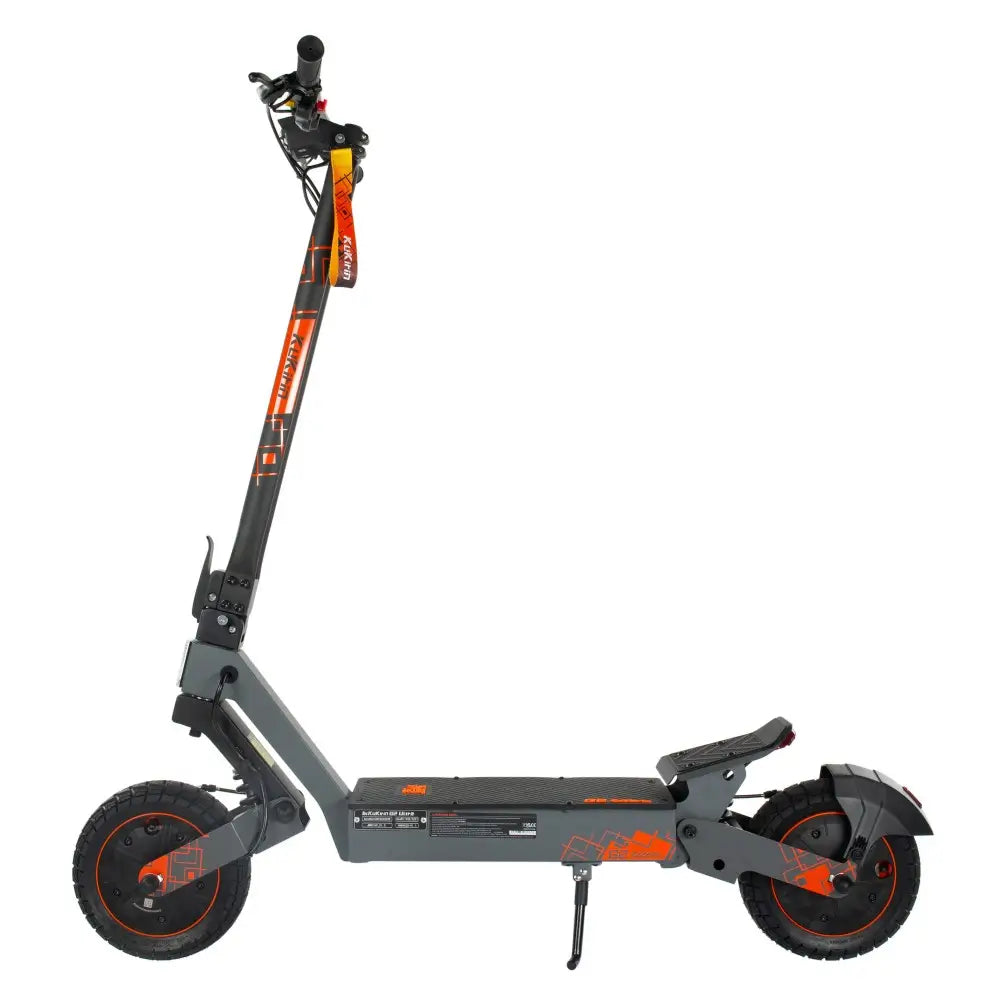
| IPX4 | Not rated | Splash resistant only | A1, G2 Ultra, G2 (VMP) |
What These Ratings Mean for You:
| Condition | IP54 | IPX4 |
|---|---|---|
| Light rain (5-10 minutes) | ✅ Generally safe | ✅ Generally safe |
| Moderate rain (20-30 minutes) | ⚠️ Risk increases | ⚠️ Risk increases |
| Heavy downpour | ❌ Avoid | ❌ Avoid |
| Deep puddles (5cm+) | ❌ Never | ❌ Never |
| Pressure washing | ❌ Never | ❌ Never |
Important: IP54 and IPX4 mean your scooter can handle splashes and light rain. They do not mean you can ride through floods, leave it in heavy rain, or pressure wash it. Water ingress is still possible — and damaging.

Step 1: Power Off and Dry Immediately
The moment you arrive home after a wet ride, take immediate action.
What to Do:
| Action | Why It Matters |
|---|---|
| Turn off the scooter | Prevents short circuits while wet |
| Remove the battery (if removable) | Protects the most expensive component |
| Wipe down with a dry microfiber cloth | Removes surface water before it seeps in |
| Pay special attention to: | |
| — Charging port cover | Water here can cause charging failure |
| — Display screen | Moisture can damage LCD/LED |
| — Throttle and button area | Electronics are vulnerable |
| — Folding mechanism joints | Prevents rust |
What to Never Use:
-
❌ Hair dryer (heat damages electronics)
-
❌ Compressed air (can push water deeper)
-
❌ Paper towels (leave lint)
-
❌ Alcohol or solvents (damage seals and coatings)
Pro tip: Keep a dedicated microfiber cloth in your bag during summer. When rain hits, you'll be ready.
Step 2: Inspect the Brake System
Wet brakes are less effective. Worse, water can cause disc brakes to squeal, rust, or even fail temporarily.
What to Check:
| Component | What to Look For | Action |
|---|---|---|
| Brake discs | Rust spots, water droplets | Wipe dry; light rust will clear with use |
| Brake pads | Waterlogging (rare) | Test braking in a safe area |
| Brake calipers | Visible water | Dry with cloth |
| Brake levers | Stiffness, unusual feel | Dry and test repeatedly |
How to Test Wet Brakes:
-
Find a safe, open area (no traffic)
-
Ride slowly (5-10 km/h)
-
Squeeze brakes gently several times to dry pads
-
Test full braking from low speed
-
Repeat until braking feels normal
Warning: Wet brakes can take 5-10 applications to fully dry. Until then, braking distance may be longer than usual. Ride slowly.
Brake Types and Water Sensitivity:
| Brake Type | Models | Water Sensitivity |
|---|---|---|
| Mechanical disc | G2 Master, G2, G2 Pro, M4 Max, S1 Max, G3, G4 | Low — water evaporates quickly |
| Hydraulic disc | G3 Pro | Very low — sealed system |
| Electronic brake (e-brake) | All models | Low — no mechanical parts |
Step 3: Air Dry for 12 Hours Before Charging
This is the most critical step — and the one most riders skip.
The Golden Rule:
Never charge a wet scooter. Water and electricity don't mix. Charging while moisture is inside can cause:
-
Short circuits
-
Corrosion on charging port pins
-
Battery management system (BMS) failure
-
Permanent battery damage
Proper Drying Procedure:
| Time | Action |
|---|---|
| Immediately after ride | Wipe down (Step 1) |
| Next 1-2 hours | Leave scooter upright in a dry, ventilated area |
| After 2 hours | Inspect charging port — if any moisture visible, wait longer |
| After 12 hours | Safe to charge (if completely dry) |
Where to Dry:
| Location | Suitability |
|---|---|
| Indoor, room temperature (20-25°C) | ✅ Best |
| Indoor, ventilated hallway | ✅ Good |
| Covered garage (dry) | ✅ Acceptable |
| Outdoor (any) | ❌ Never — more moisture |
What If You Need to Charge Sooner?
If you absolutely must charge within a few hours:
-
Point a fan at the scooter for 2-3 hours
-
Check charging port with a dry cotton swab — if any moisture, wait longer
-
When completely dry, charge as normal
But best practice: Wait 12 hours. It's worth the peace of mind.

Step 4: Lubricate Folding Mechanism and Suspension
Water can wash away lubricant from moving parts, leading to squeaks, stiffness, and eventually rust.
What to Lubricate:
| Component | Models | Lubricant Type |
|---|---|---|
| Folding mechanism hinge | All folding models | White lithium grease |
| Steering column lock | All folding models | White lithium grease |
| Suspension springs | G2 Master, G3 Pro, G2 Max, G2, G2 Pro, M4 Max, A1, T3 | Light oil or spray lubricant |
| Kickstand pivot | All models | Light oil |
How to Lubricate:
-
Clean first — wipe away dirt and old lubricant with a dry cloth
-
Apply sparingly — a small amount goes a long way
-
Work it in — fold/unfold or compress suspension several times
-
Wipe excess — prevents attracting dirt
Frequency:
| Condition | Lubrication Frequency |
|---|---|
| Normal use (no rain) | Every 3 months |
| After rain exposure | Immediately after drying |
| Frequent wet riding | Monthly |
What Lubricant to Use:
| Type | Recommended | Avoid |
|---|---|---|
| Folding mechanism | White lithium grease | WD-40 (not a long-term lubricant) |
| Suspension | Light silicone spray | Heavy grease (attracts dirt) |
Step 5: Check for Standing Water (Chassis Height Matters)
Different KuKirin models have different chassis heights — the distance from the ground to the bottom of the scooter. This affects how vulnerable your scooter is to puddle water.
Chassis Heights by Model:
| Model | Chassis Height | Risk Level | Special Note |
|---|---|---|---|
| G4 Max | 210 mm | Low | Best clearance |
| G4 | 185 mm | Low | |
| G2, G2 Ultra, G3, G3 Pro | 175-180 mm | Low-Moderate | |
| G2 Master, G2 Max | 162 mm | Moderate | |
| A1 | 160 mm | Moderate | |
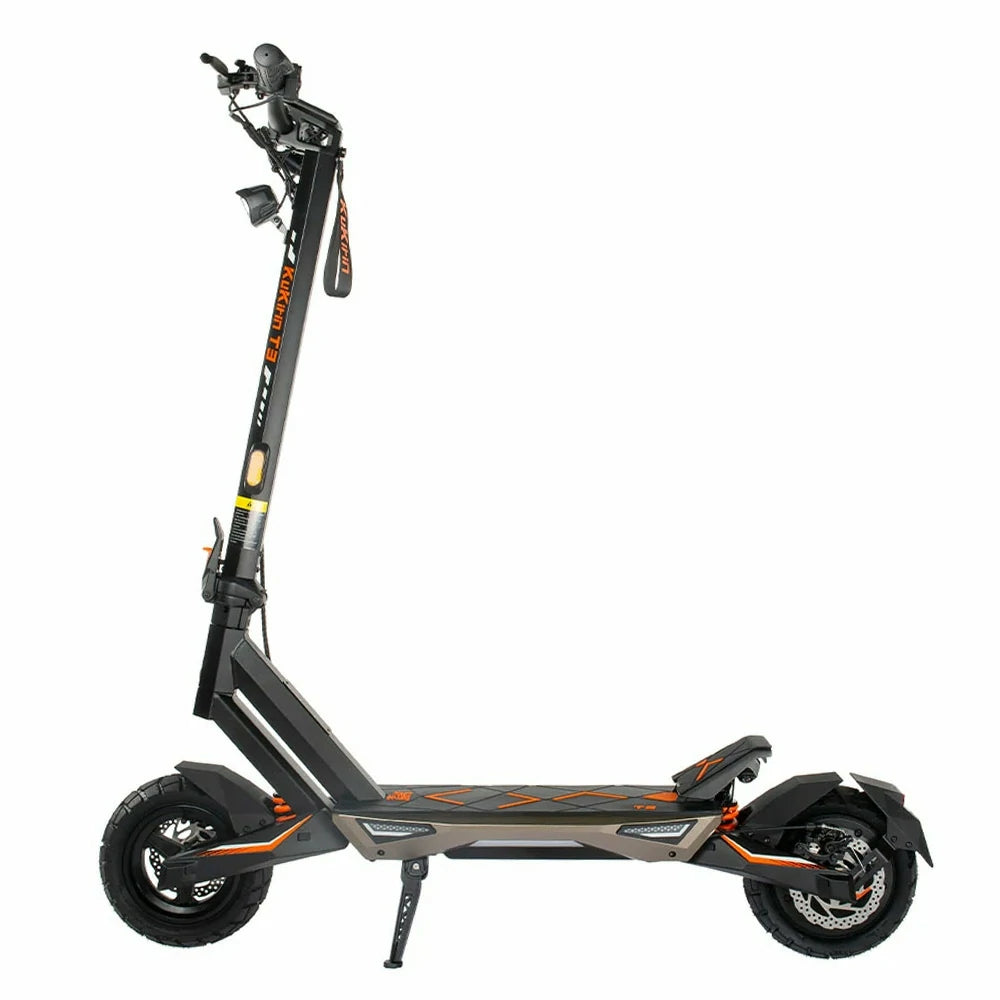
| T3 | 150 mm | Moderate | |
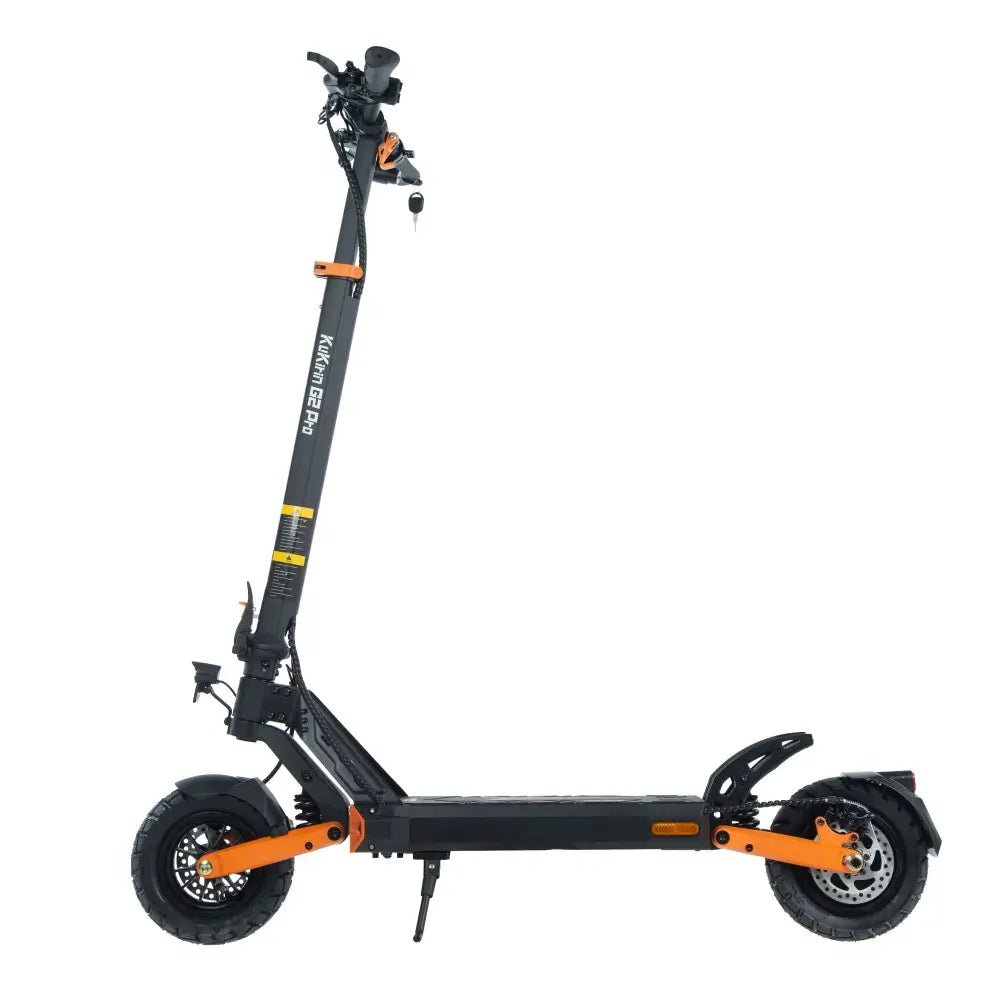
| G2 Pro, G2 Pro VMP | 140 mm | Moderate-High | |
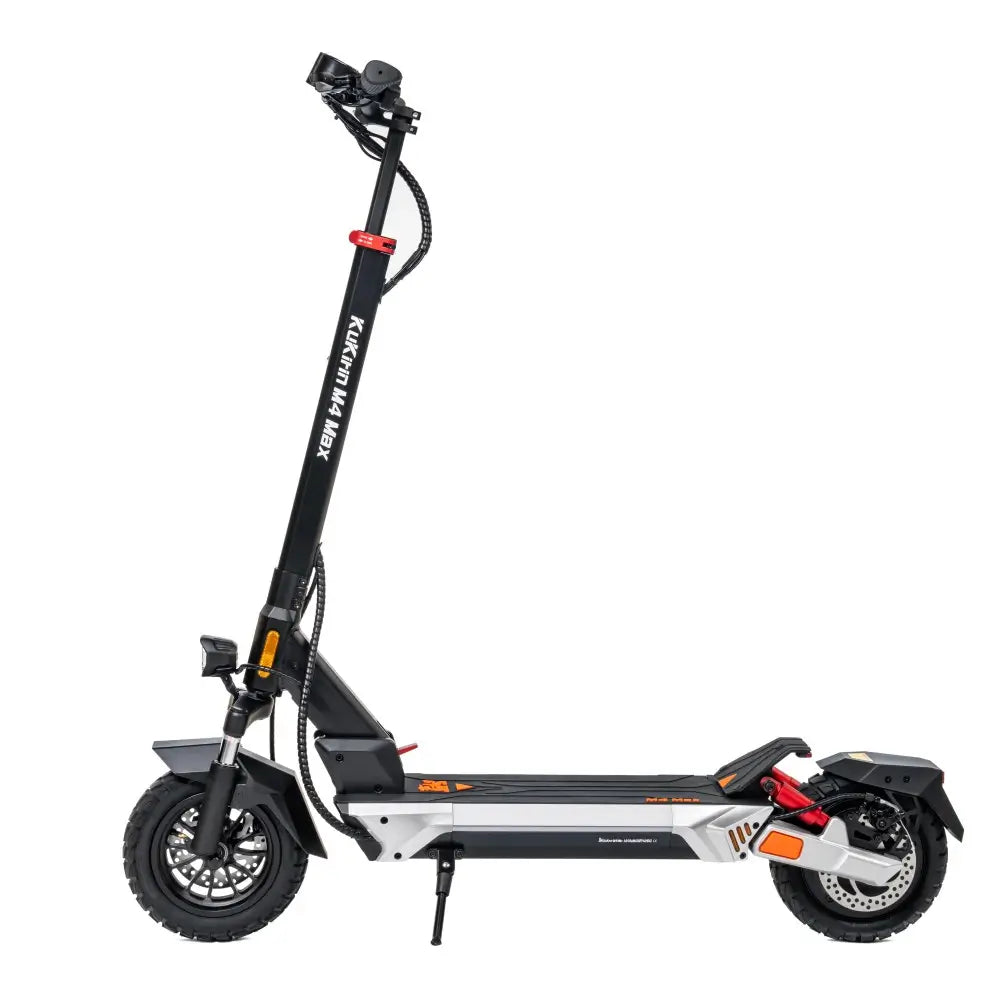
| M4 Max | 135 mm | High | Check carefully |
| X1 (e-moped) | 207 mm | Low | Different vehicle class |
| S1 Max | 87 mm | Very High | Extremely vulnerable |
What to Check After Riding Through Puddles:
-
Turn scooter upside down (carefully — rest on handlebars and seat if equipped)
-
Inspect the bottom deck for any water pooling
-
Check around the battery compartment — if removable, take battery out and check inside
-
Look at the charging port from underneath
-
Check motor cable connections (visible on some models)
If You Find Water:
| Situation | Action |
|---|---|
| Small drops on surface | Wipe dry, air dry 24 hours |
| Water pooled in deck crevices | Tip scooter to drain, air dry 24-48 hours |
| Water inside battery compartment | Remove battery (if possible), dry compartment, do not charge for 48 hours |
| Water in charging port | Use compressed air (canned) from distance, air dry |
Models Requiring Extra Caution:
-
S1 Max (87mm chassis) — Extremely low. Avoid all puddles. This scooter is for dry roads only.
-
G2 Pro (140mm chassis) — Moderate clearance. Avoid puddles deeper than 3cm.
-
M4 Max (135mm chassis) — Check bottom regularly after wet rides.

What If Your Scooter Got Soaked?
If your scooter was caught in a heavy downpour or accidentally rode through deep water:
| Time | Action |
|---|---|
| Immediately | Turn off, wipe dry, remove battery (if possible) |
| Within 1 hour | Place in warm, dry room with fan |
| Do not | Charge, turn on, or ride |
| Wait | 48-72 hours minimum |
| Before restarting | Inspect thoroughly for any signs of moisture |
Signs of Water Damage:
| Symptom | What It Means |
|---|---|
| Scooter won't turn on | Possible controller or battery damage |
| Error codes (E3, E6, E7) | Communication or controller failure |
| Unusual motor noise | Water in bearings |
| Brakes feel different | Water in cable housing or on discs |
| Display flickering | Moisture in display unit |
If you notice any of these after a rain ride, contact [KuKirin DE Official support] before riding again.
Prevention: Best Practices for Rainy Days
The best after-rain care is avoiding the rain in the first place.
Before You Ride:
| Check | Action |
|---|---|
| Weather forecast | Avoid riding if heavy rain predicted |
| Charging port cover | Ensure rubber seal is tight |
| Tyre tread | Good tread = better grip on wet roads |
| Brakes | Test before heading out |
During Your Ride:
| Situation | Action |
|---|---|
| Light rain starts | Continue with caution, reduce speed |
| Rain becomes moderate | Seek shelter — wait 15-20 minutes |
| Puddles ahead | Go around — never through |
| Storm approaching | Stop riding immediately |
After Your Ride (Always):
-
Wipe down before storing
-
Check charging port seal
-
If wet, follow the 5 steps above
Frequently Asked Questions (FAQ)
Q1: Can I ride my KuKirin scooter in light rain?
A: Yes. IP54 and IPX4 ratings mean your scooter can handle light rain and splashes. However, reduce speed, avoid puddles, and dry the scooter immediately after arriving home.
Q2: What's the difference between IP54 and IPX4?
A: IP54 protects against dust (5) and splashes (4). IPX4 protects only against splashes — no dust protection. Most KuKirin models (G2 Master, G4, M4 Max, S1 Max) are IP54. The A1 and G2 Ultra are IPX4.
Q3: My S1 Max has an 87mm chassis height. Can I ride it after rain?
A: With extreme caution. The S1 Max is very low to the ground. Avoid any puddles and wet roads with standing water. This scooter is best for dry conditions.
Q4: How long should I wait to charge after rain?
A: At least 12 hours of air drying in a dry, ventilated area. If the scooter was heavily soaked, wait 24-48 hours. Never charge a wet scooter.
Q5: Can I use a hairdryer to dry my scooter faster?
A: No. Heat can damage electronics, seals, and the display. Air drying at room temperature is safest. A fan (no heat) is acceptable.
Q6: Will rain void my KuKirin warranty?
A: KuKirin's warranty covers manufacturing defects, not water damage from improper use. Riding through deep puddles or in heavy rain may not be covered. Exercise caution.
Q7: How do I dry the charging port?
A: Gently dab with a dry cloth. If moisture remains, leave the port open in a dry, warm place for 2-4 hours. You can also use canned compressed air from a distance — but don't blow debris into the port.
Q8: What lubricant should I use on the folding mechanism?
A: White lithium grease is best. Avoid WD-40 — it's a solvent and temporary lubricant, not a long-term solution. Apply sparingly every 3 months or after rain exposure.
Q9: My brakes squeak after rain. Is this normal?
A: Yes. A small amount of surface rust or moisture on discs can cause squeaking. The noise usually disappears after 5-10 brake applications. If it persists, clean discs with isopropyl alcohol.
Q10: The G2 Pro has 140mm chassis height. Is that safe for wet roads?
A: For light rain and shallow puddles (under 3cm), yes. For deeper water, avoid. The G2 Pro's moderate clearance means you should be cautious but not overly worried.
Summary: Quick After-Rain Checklist
| Step | Action | Time Required |
|---|---|---|
| 1 | Power off, wipe dry | 5 minutes |
| 2 | Inspect and test brakes | 2 minutes |
| 3 | Air dry for 12 hours | 12 hours (overnight) |
| 4 | Lubricate moving parts | 5 minutes (after drying) |
| 5 | Check chassis for standing water | 2 minutes |
The bottom line: A little rain won't ruin your KuKirin scooter — but neglect will. By following these 5 steps after every wet ride, you'll protect your battery, brakes, and electronics for years of reliable summer commuting.
Need replacement parts or have water damage concerns? Contact [KuKirin DE Official customer support].