




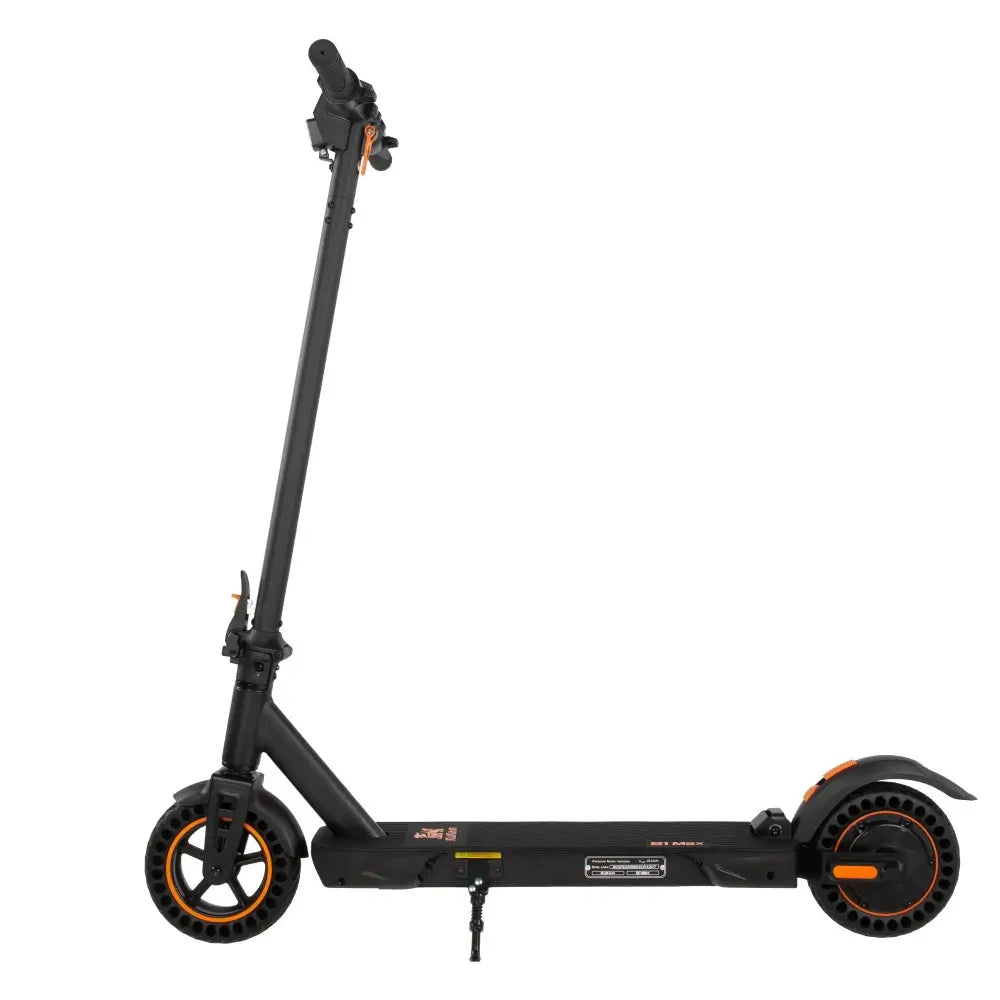


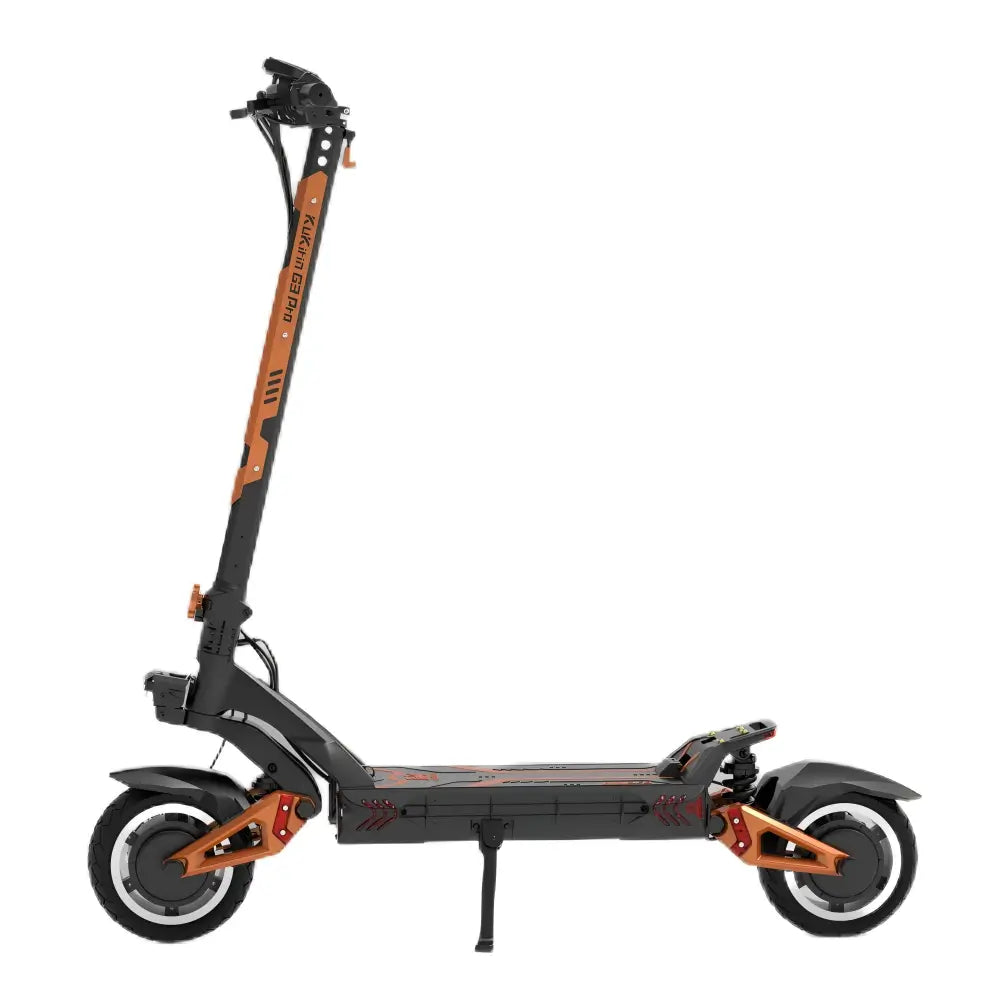
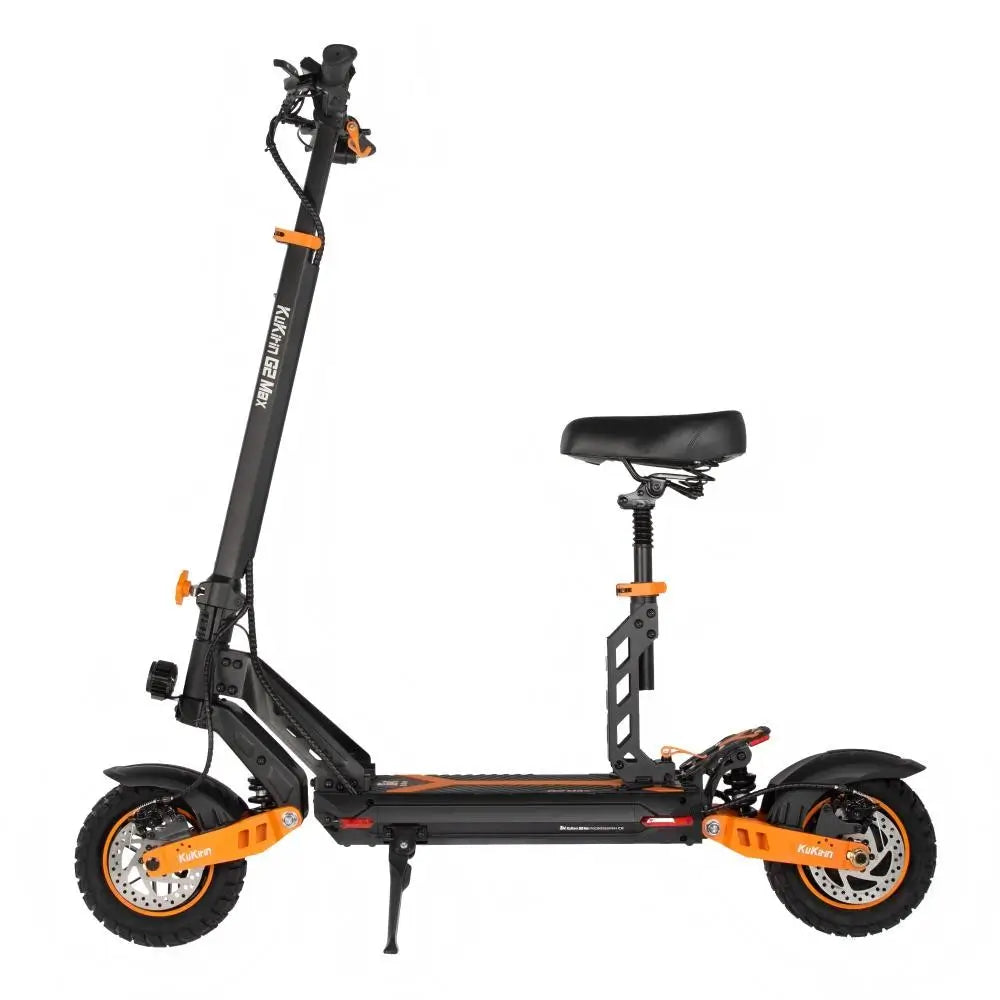





Summer Power Management: How to Accurately Estimate Your KuKirin Range

You check your scooter's display. Five battery bars. Plenty of range, right?
Then, ten minutes later, the scooter slows to a crawl. You look down — still three bars. But the scooter will not go any faster. What happened?
The battery indicator is not a fuel gauge. It does not tell you how far you have left to ride. It tells you the battery's voltage — and voltage alone is a poor predictor of range, especially in summer.
This guide explains how to accurately estimate your KuKirin's range, understand what the display is really telling you, and avoid the dreaded "walk of shame" pushing a dead scooter home.
Why the Battery Indicator Is Misleading
| What It Shows | What It Actually Measures |
|---|---|
| Fuel gauge style bars | Voltage — the battery's electrical pressure |
| Percentage display | Estimated voltage-to-capacity mapping |
The problem? Voltage drops under load . When you accelerate, climb a hill, or ride into a headwind, the voltage temporarily drops — and the battery indicator drops with it . Release the throttle, and the bars come back up.
The critical distinction:
-
At rest — voltage is higher, bars look good
-
Under load — voltage drops, bars fall
-
Real range — determined by total capacity, not voltage
Factors That Reduce Summer Range
| Factor | Impact on Range | Why |
|---|---|---|
| High temperature | 10-20% loss | Battery efficiency drops above 30°C |
| Hills | 2-3x consumption | Climbing requires significantly more power |
| Heavy load | 5-10% loss near limit | Motor works harder at 120kg max load |
| Hard acceleration | 15-25% loss | Rapid acceleration drains battery faster |
| High speed | 20-30% loss | Wind resistance increases exponentially |
Reading Your KuKirin Display
LED/LCD Battery Indicator Guide
| Display | Likely Remaining Range | What to Do |
|---|---|---|
| 5 bars (100%) | 90-100% of official range | Full charge — ride confidently |
| 4 bars (80%) | 65-75% | Good for most trips |
| 3 bars (60%) | 45-55% | Start planning your return |
| 2 bars (40%) | 25-35% | Find a charge point or head home |
| 1 bar (20%) | 10-15% | Do not start a new journey |
Percentage Display Caveat
A percentage display is not a fuel gauge either. At 50%, you may have less than half your range left — especially on older batteries or in hot weather.
Pro tip: Track your distance per charge over several rides. You will build a personalised range estimate that is more accurate than any display.
BMS Protection Mode
The Battery Management System (BMS) has a critical safety feature:
When the battery is low, the BMS limits power output to protect the battery from over-discharge.
| Symptom | Cause | Action |
|---|---|---|
| Display shows battery remaining | BMS protection activated | The scooter has reached its safe range limit |
| Reduced speed on hills | Low voltage cut-off | Return home immediately |
| Scooter cuts out under load | Voltage sag triggers protection | Wait 5 minutes, ride slowly home |
What it feels like: Your display may show 20-30% battery, but the scooter cannot climb a hill or accelerate normally. This is not a fault — it is the BMS protecting your battery from permanent damage.
Voltage-to-Range Reference
| Model | Battery Voltage | Max Range | 50% Voltage Reading |
|---|---|---|---|
| S1 Max | 36V | 39 km | ~38.5V |
| A1 | 48V | 45 km | ~51.5V |
| G2 | 48V | 55 km | ~51.5V |
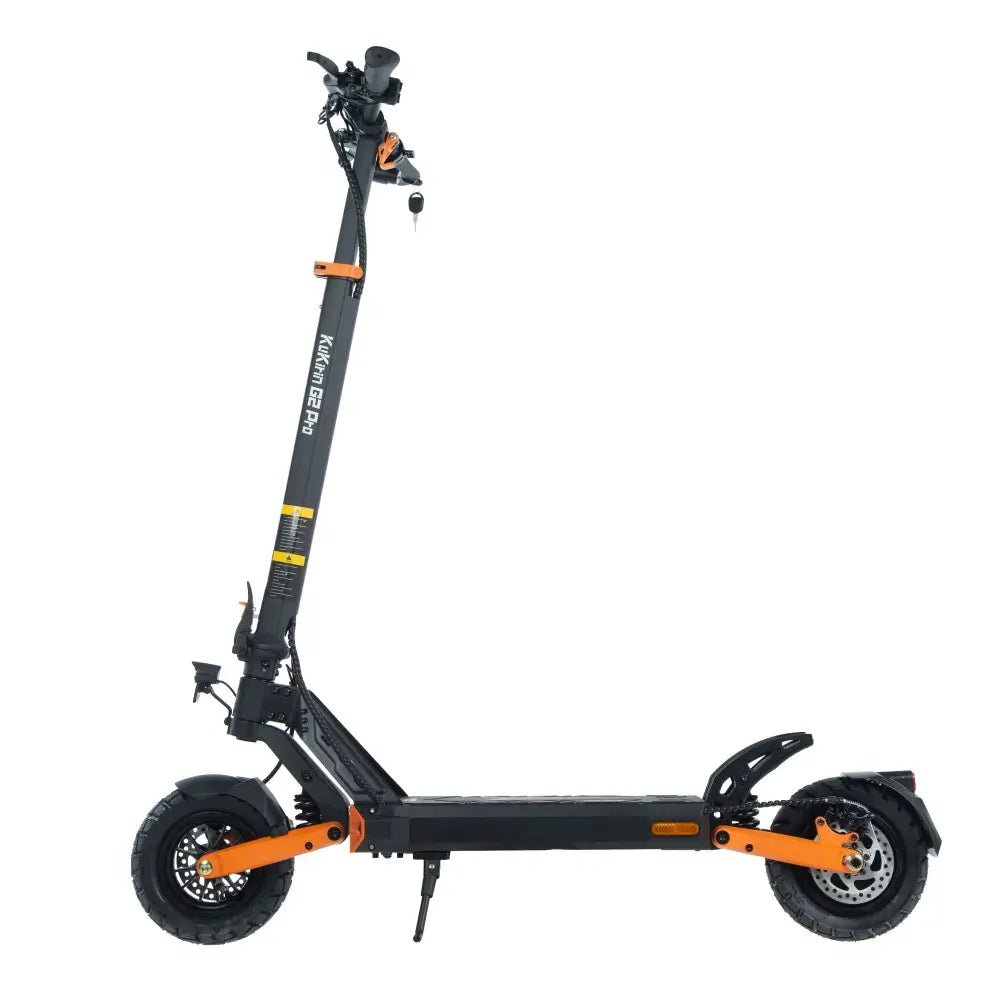
| G2 Pro | 48V | 58 km | ~51.5V |
| G2 Max | 48V | 70 km | ~51.5V |
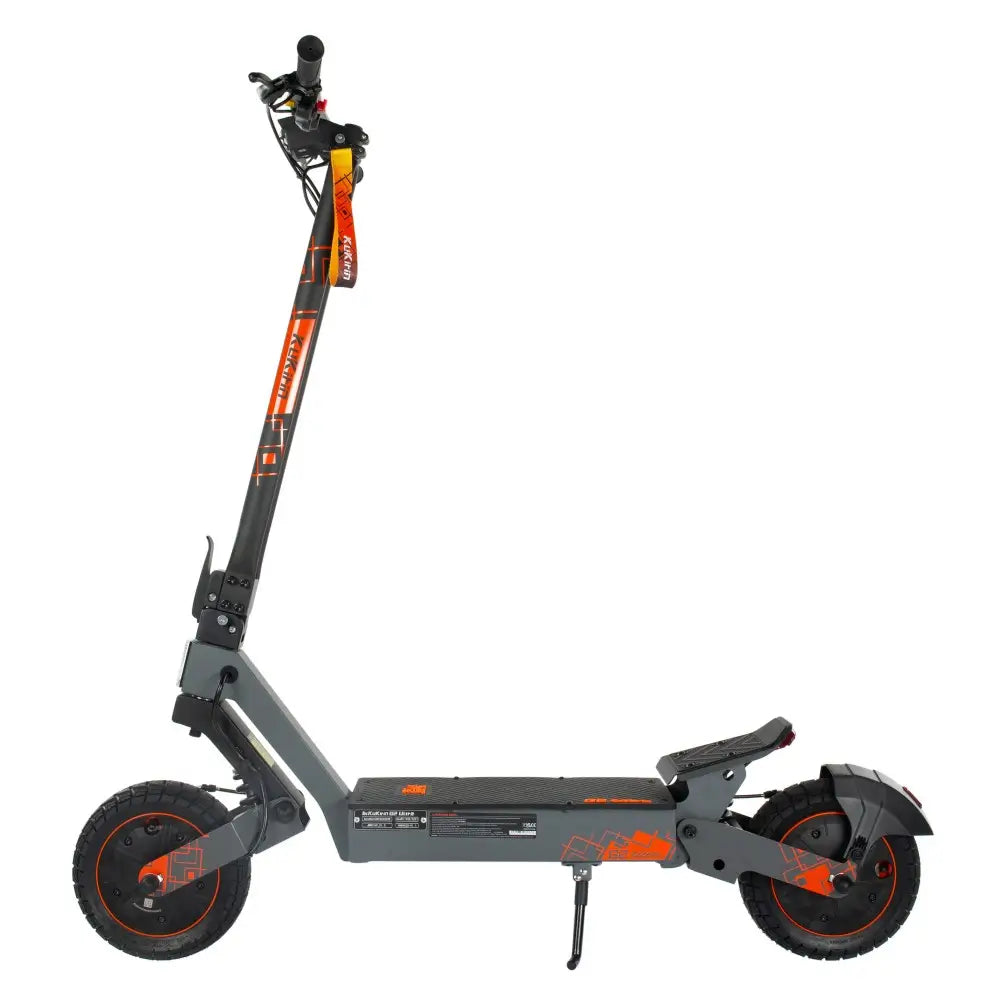
| G2 Ultra | 48V | 55 km | ~51.5V |
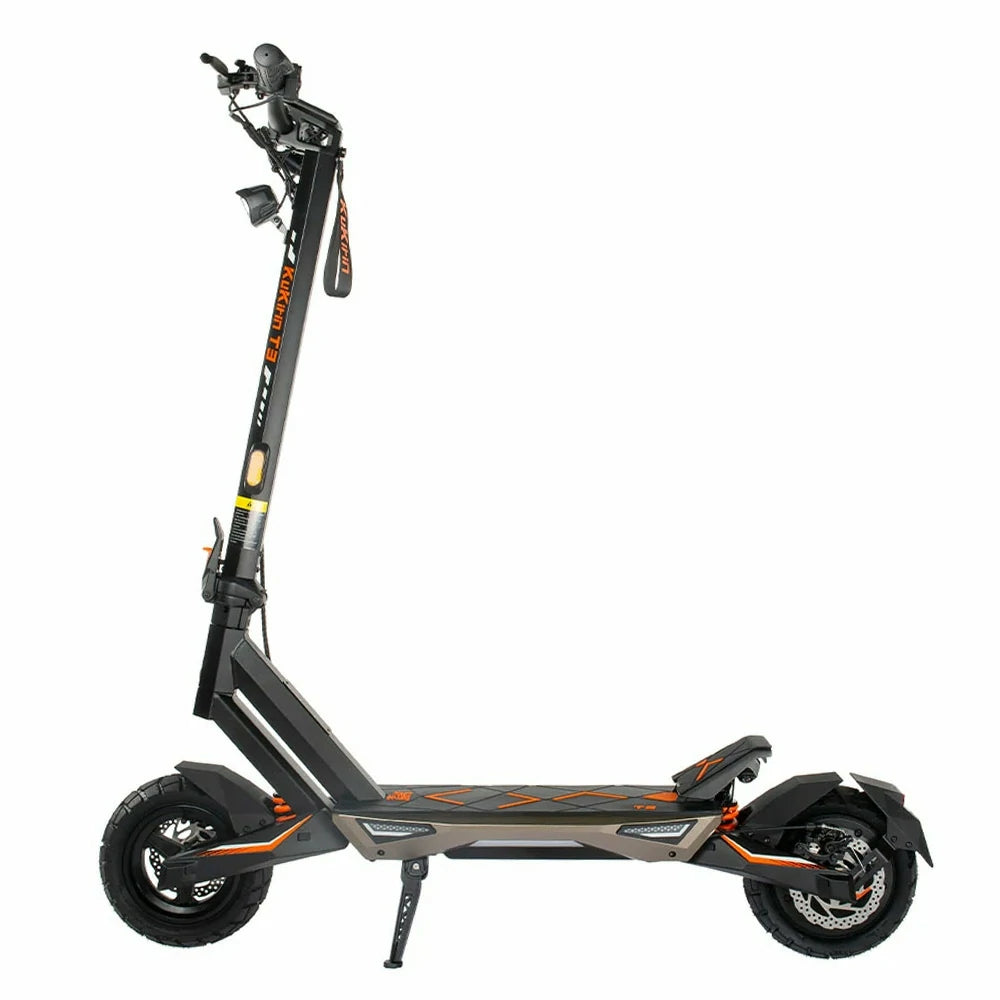
| T3 | 48V | 58 km | ~51.5V |
| G2 Master | 52V | 70 km | ~55.8V |
| G3 Pro | 52V | 80 km | ~55.8V |
| G4 | 60V | 75 km | ~64.5V |
How to use this: When your display shows the 50% voltage reading for your model, you have used about half your battery capacity. Plan your route accordingly.
Smart Range Planning
The 20% Rule (Daily Commute)
| Rule | Why |
|---|---|
| Plan to return with 20% battery | Covers unexpected detours |
| Do not rely on the last 20% | BMS protection may reduce power |
| Charge before 30% in winter | Cold reduces range further |
The 35% Rule (Long-Distance Rides)
| Rule | Why |
|---|---|
| Plan to return with 35% battery | Covers hills, headwinds, and heat |
| Identify charging points | Cafés, shops, tourist offices |
| Carry your charger | Even a 30-minute charge adds 10-15 km |
Frequently Asked Questions (FAQ)
Q1: Why does my battery indicator show 3 bars but the scooter has no power?
BMS protection mode. The battery has reached its safe discharge limit. The display shows remaining capacity, but the BMS has limited power output to protect the battery.
Q2: How much range do I lose in 35°C weather?
Expect 15-20% range loss compared to 20°C conditions. High temperatures reduce battery efficiency.
Q3: Does riding at full speed reduce range?
Yes — significantly. At maximum speed, range can be reduced by 20-30% compared to moderate speed riding.
Q4: Is the G2 Master's 52V battery better than 48V for range?
Higher voltage does not necessarily mean more range — it means more power. The G2 Master's 52V 20.8Ah battery (70 km range) and the G2 Max's 48V 20.8Ah battery (70 km range) are comparable in total energy capacity.
Q5: How do I estimate range on a multi-day trip?
Note your distance and battery percentage after each ride. You will build a personalised range profile that accounts for your weight, terrain, and riding style.
Q6: What should I do if the scooter cuts out on a hill?
Stop, turn off the scooter, wait 5 minutes, and restart. Ride gently in a lower gear. The battery needs time to recover voltage.
Conclusion: Know Your Battery, Know Your Range
| Priority | Action |
|---|---|
| Understand the display | Bars ≠ accurate range |
| Account for summer factors | Heat, hills, weight, speed |
| Respect BMS protection | Low battery = limited power |
| Plan with a buffer | 20% daily, 35% for long trips |
| Track your data | Build your personal range map |
The bottom line: Your battery indicator tells you voltage, not distance. Learn to read it correctly, and you will never push your KuKirin home again.